
Mindful Eats2.3.5 - App Store
You'll be able to see results in few seconds.
Publisher Description

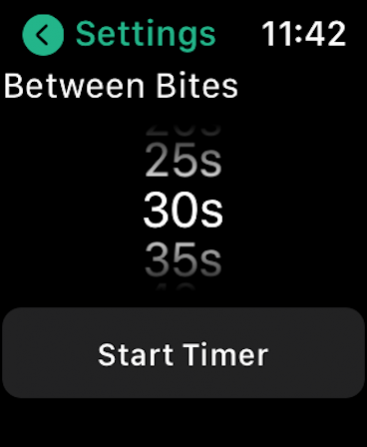
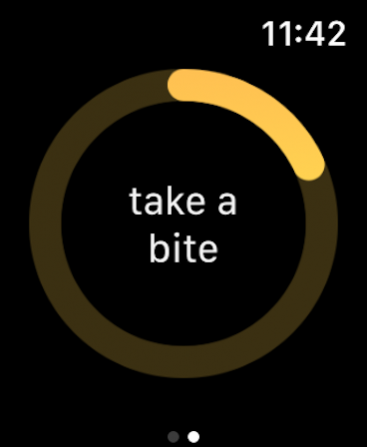
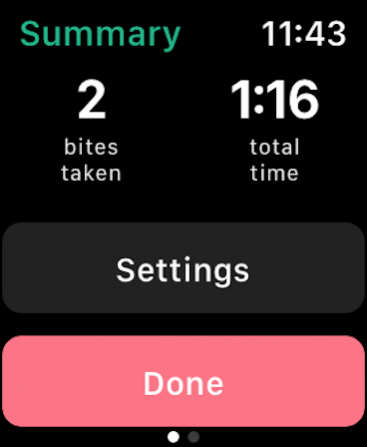
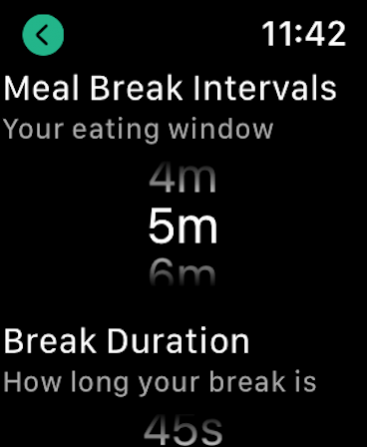
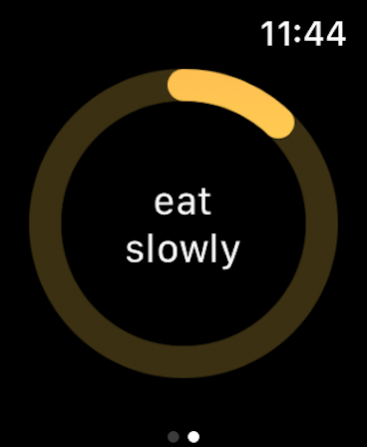

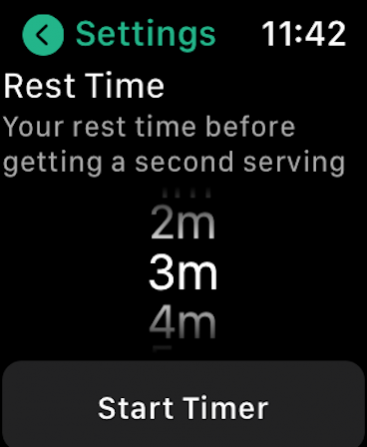
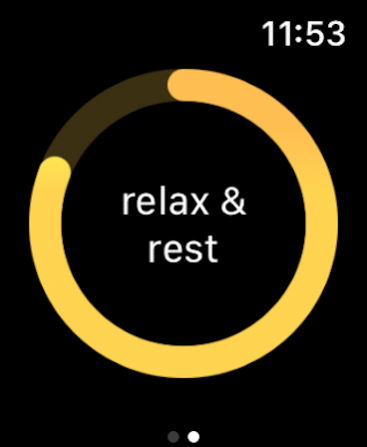
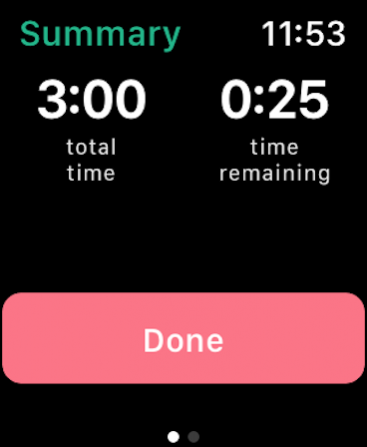
Mindful Eats is an interval timer app aimed at helping you slow down and stay mindful during eating. Mindful eating facilitates a healthy relationship with food and can ultimately lead to weight loss.
Choose between three types of timers:
● Bite Timer: Slow down how fast you eat by creating a set pause between each bite.
● Meal Timer: Slow down how fast you eat by defining set eating and break windows during your meal.
● Seconds Timer: Create a mindful pause before you get your second plate of food. Give yourself time to feel full before deciding you need more.
Eating slowly has many possible benefits:
● Promotes weight loss by giving your brain more time to receive fullness signals
● Helps you better absorb the nutrients in your food
● Improves digestion
● Make you feel calmer and more in control
● Increases your enjoyment of food
Start building a healthier relationship with food today by simply slowing down with the bite time or meal timer!
Learn More:
- https://www.healthline.com/nutrition/eating-slowly-and-weight-loss#thorough-chewing
- https://www.healthline.com/nutrition/mindful-eating-guide
*** Having trouble re-downloading the app onto your watch? Search for it from the App Store app on your Watch! ***
Aug 13, 2022 Version 2.3.5
- Added additional time selections for the bite timer, up to 2 minutes
- Added additional time selections for the seconds timer, up to 30 minutes
About Mindful Eats
The company that develops Mindful Eats is Shannon Bolick. The latest version released by its developer is 2.3.5.
To install Mindful Eats on your iOS device, just click the green Continue To App button above to start the installation process. The app is listed on our website since 2022-08-13 and was downloaded 0 times. We have already checked if the download link is safe, however for your own protection we recommend that you scan the downloaded app with your antivirus. Your antivirus may detect the Mindful Eats as malware if the download link is broken.
How to install Mindful Eats on your iOS device:
- Click on the Continue To App button on our website. This will redirect you to the App Store.
- Once the Mindful Eats is shown in the iTunes listing of your iOS device, you can start its download and installation. Tap on the GET button to the right of the app to start downloading it.
- If you are not logged-in the iOS appstore app, you'll be prompted for your your Apple ID and/or password.
- After Mindful Eats is downloaded, you'll see an INSTALL button to the right. Tap on it to start the actual installation of the iOS app.
- Once installation is finished you can tap on the OPEN button to start it. Its icon will also be added to your device home screen.
Program Details
System requirements
Download information
Pricing
Version History
version 2.3.5
posted on 2022-08-13
Aug 13, 2022 Version 2.3.5
- Added additional time selections for the bite timer, up to 2 minutes
- Added additional time selections for the seconds timer, up to 30 minutes
version 2.3.4
posted on 2022-05-17
May 17, 2022 Version 2.3.4
Fix an issue with not being able to get notifications while the app is not in the foreground.
version 2.3.1
posted on 2022-01-18
Jan 18, 2022 Version 2.3.1
Fixed an issue where the Second's timer start button is hidden on smaller devices.
Disclaimer
Official App Store Link
We do not host Mindful Eats on our servers. We did not scan it for viruses, adware, spyware or other type of malware. This app is hosted by Apple and passed their terms and conditions to be listed there. We recommend caution when installing it.
The App Store link for Mindful Eats is provided to you by apps112.com without any warranties, representations or guarantees of any kind, so access it at your own risk.
If you have questions regarding this particular app contact the publisher directly. For questions about the functionalities of apps112.com contact us.
